

Public Works Vehicles Cameras
Public Works Vehicle Camera Systems
Public works vehicle camera systems built for job-site documentation, boom-area visibility, and route evidence.
Built for city and municipal public works fleets — streets and roads, water and sewer, parks and facilities, utility trucks, sign and striping trucks, sweeper support, and small municipal dump and pickup fleets.
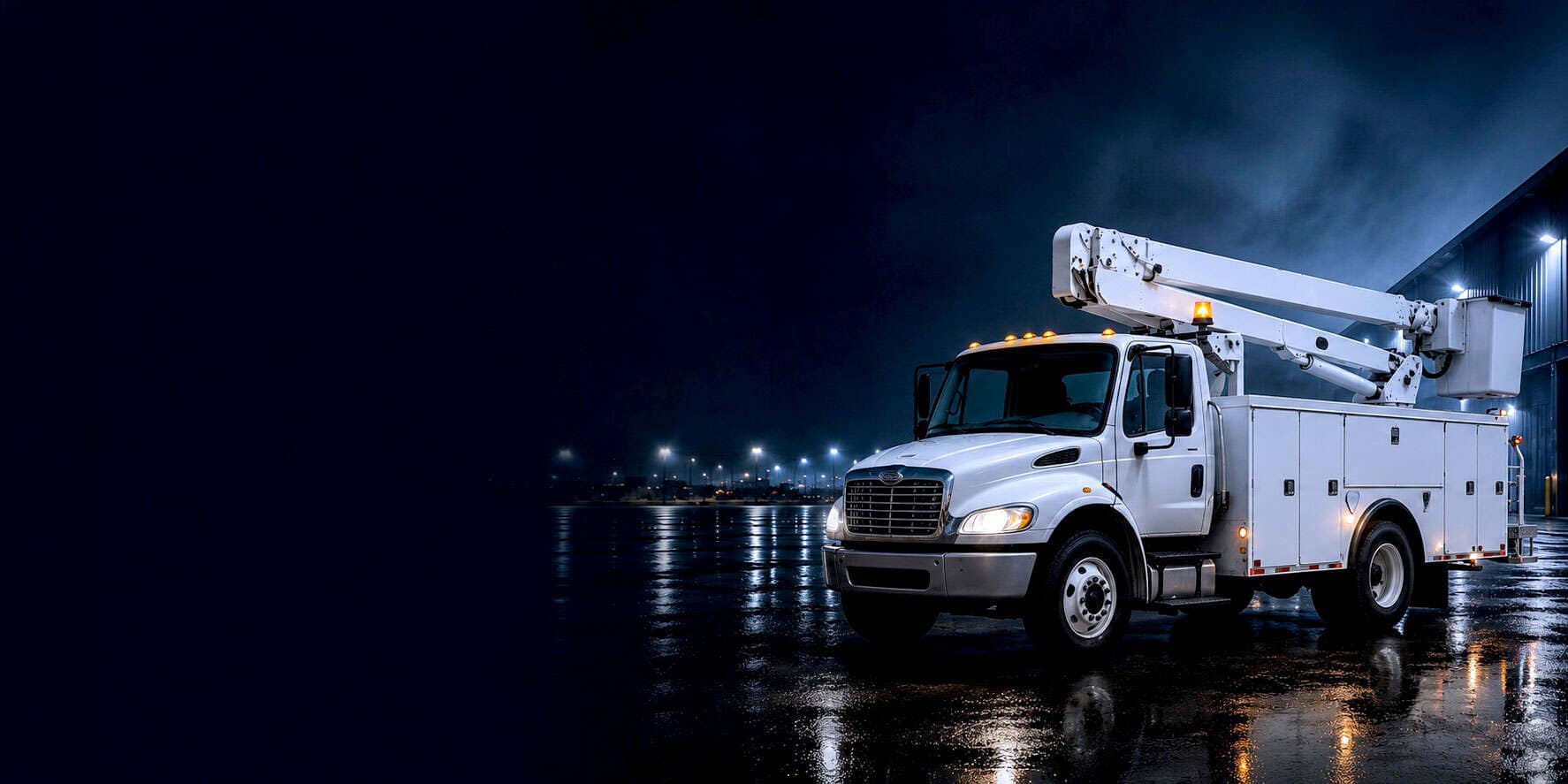
Explore the Recommended Public Works Vehicle Camera Layout
Click any highlighted camera location to discover the recommended hardware, understand each camera's purpose, and explore the products used in this public works vehicle configuration.
Not sure which cameras you need?
Interested in this public works vehicle setup?
Request more info about a public works vehicle camera system and we'll help recommend the right camera mix for your department, truck types, and job-site profile.
We'll follow up within one business hour.
Coverage built for municipal public works operations.
Problem
Backing around crews, cones, and the public
Public works trucks back into active job sites with crews on foot, into narrow alleys behind city facilities, and around parked cars on residential streets. Mirrors alone don't cover the low rear blind spot where a worker, a pedestrian, a cyclist, or a curb sits. A single backing incident on a city vehicle becomes a public-record event.
Solution
Rear camera for safer job-site and yard backing
A rear-mounted HD camera with in-cab monitor gives operators direct visibility behind the truck on every backing maneuver — job sites with crews on the ground, city yards, alleys, and residential streets. The same footage records continuously, so backing incidents are documented from the angle that matters.
Problem
Property-damage claims against the city
"Your truck cracked my driveway." "Your crew hit my mailbox." "Your sweeper left tire marks on the lawn." Property-damage claims filed against public works departments are routine, and without HD footage tied to the actual stop, the city usually pays the claim by default.
Solution
Curbside and job-site HD video for public records and claims
Front and side cameras capture what the truck actually did at the curb, on the street, and at the job site. When a property-damage claim or a public records request lands days later, the video is already in the cloud and pulls up by stop, not by scrubbing hours of footage.
Problem
Public records, FOIA, and incident review
When something happens on a city vehicle — a near miss, a resident complaint, a workers-comp claim, a records request — the department needs video and route data side-by-side, fast. Reconstructing an incident from paper logs or radio traffic days later doesn't hold up.
Solution
GPS-linked route and stop-level documentation
Built-in GPS with a 5-second refresh and a breadcrumb trail shows where every vehicle went, when it arrived at each stop, and how long the crew was on site. Supervisors, safety managers, and department heads see it all in the same dashboard as the video.
Problem
Job-site documentation and crew accountability
Public works crews spend the day at scattered job sites. When a resident calls in about work quality, a supervisor needs to see what actually happened at that address — pothole patch, sign install, storm cleanup, brush removal — not manage by best-guess.
Solution
Driver-facing coverage for crew and incident review
Optional driver-facing cameras add incident context for near-miss reviews, workers-comp questions, and operator coaching. Combined with cloud retrieval, every incident has a clear, reviewable record — not a debate reconstructed from radio traffic.
Most public works fleets start with this system.
Recommended for public works vehicles
Vision
Front + rear coverage built for public works routes
Front road-facing HD camera plus rear backing camera with in-cab monitor — the build most public works fleets start with. Covers the two highest-risk moments of a municipal route: the public-facing approach and the backing maneuver into a job site or city yard. Add side cameras and a driver-facing camera as the department expands its program.
Typical configuration
Front road-facing HD + rear backing camera with in-cab monitor
Includes
Front + rear cameras · In-cab monitor · Built-in GPS · Cloud video storage · Mobile app · Route and stop history
Pricing
Custom-quoted per vehicle based on configuration
When the full system is more than you need
Lighter-fit and larger-fleet options.
Essential
Small municipal departments or single-vehicle assignments that just need a road-facing HD dash cam with GPS — self-installed in about 15 minutes.
Best when: One or two trucks, no rear-camera need yet, and the goal is HD route video plus GPS visibility on a tight budget.
See EssentialGuardian
Larger public works operations with active safety programs, workers-comp pressure, or a department-wide culture where AI driver-behavior coaching adds measurable value on top of route and job-site coverage.
Best when: Public works fleets with 25+ vehicles, formal safety programs, or active operator coaching initiatives.
See GuardianPublic works vehicle camera systems, answered.
Build your public works vehicle camera system.
Tell us about your department, your trucks, and the job sites and routes you cover. We'll spec a configuration tailored to your public works fleet and quote it transparently.